Track time on Mac without switching to a different app
One tap to start a timer on any task. Time rolls up by project automatically.
BetterKeeper is a time tracking app for Mac that lives inside your task manager — not alongside it. Start a timer when you start a task. Stop it when you're done. Your time log, your tasks, and your projects are all in one place, synced through iCloud.

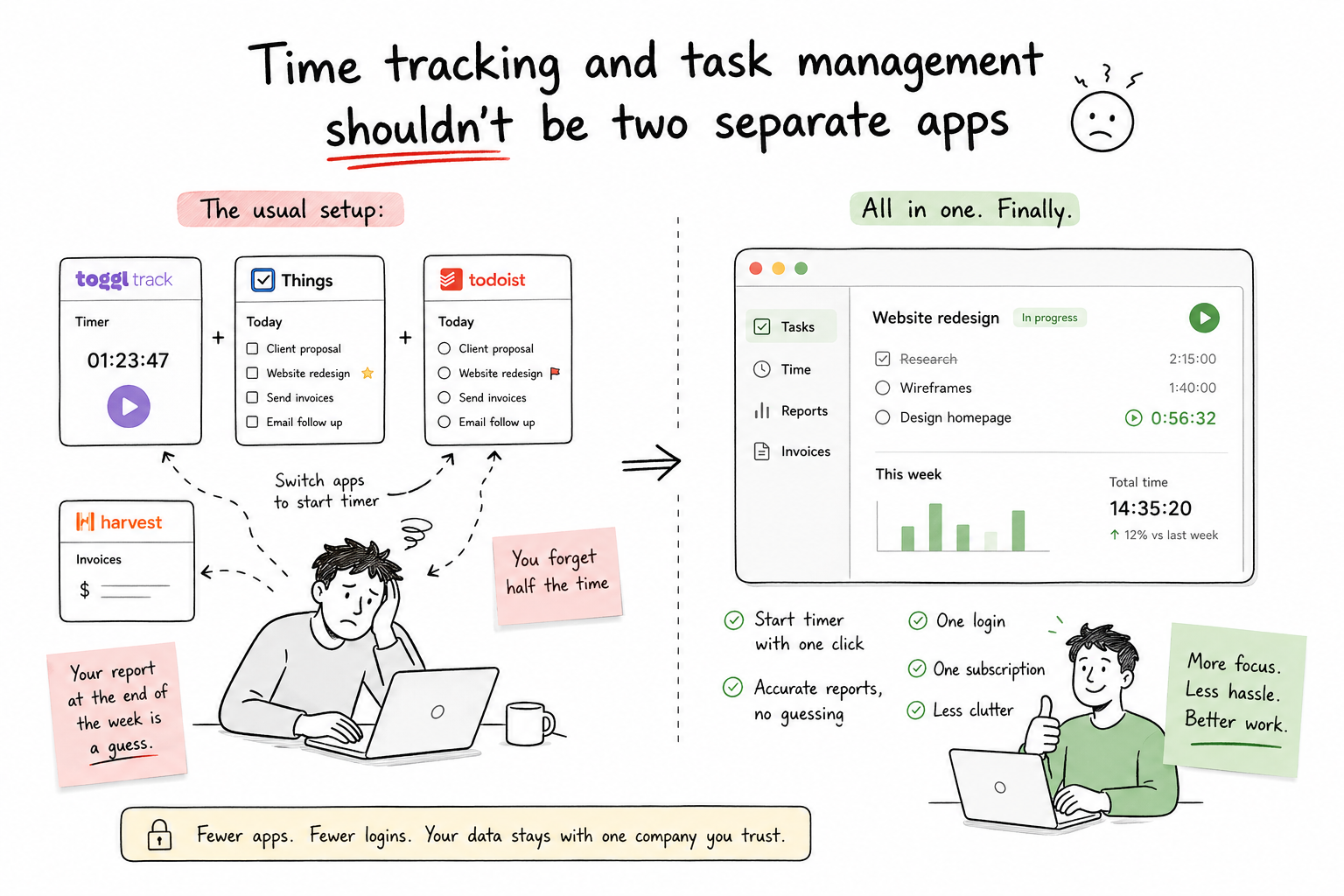
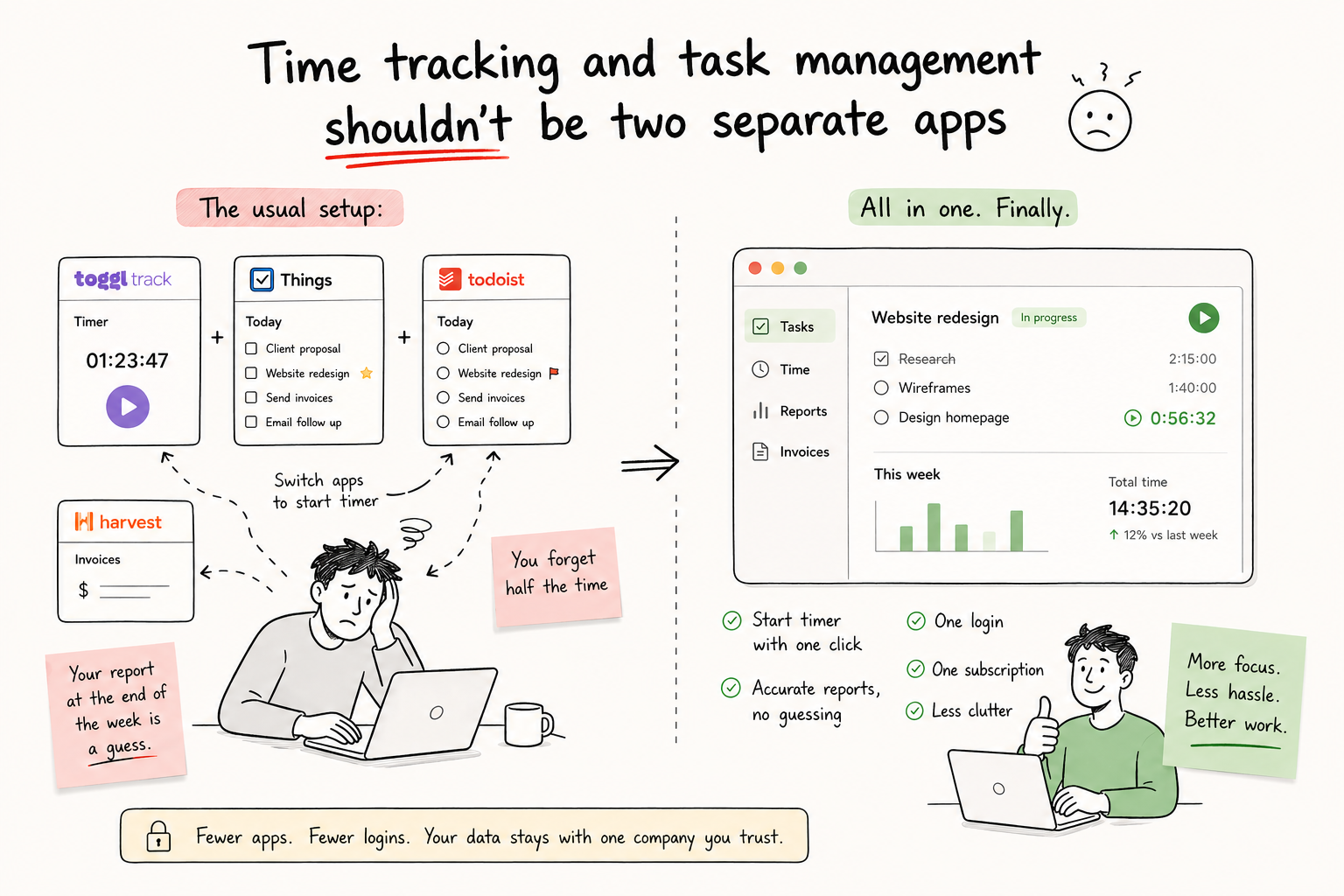
Time tracking and task management shouldn't be two separate apps
The usual setup: Toggl Track for time, Things or Todoist for tasks, maybe Harvest for invoicing. Every time you start working on something, you switch apps to start a timer. You forget half the time. Your report at the end of the week is a guess.
Standalone time trackers are also another subscription, another login, and another company with access to your work data. For freelancers and small teams, that adds up fast.
Start a timer on any task, on any device, in one tap
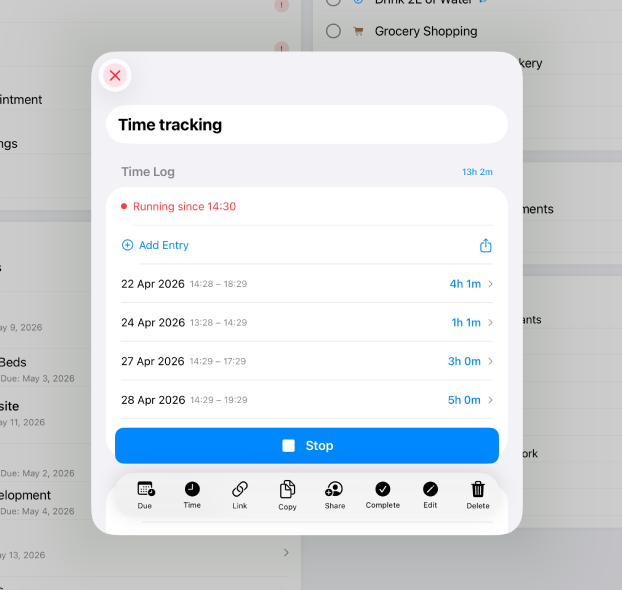
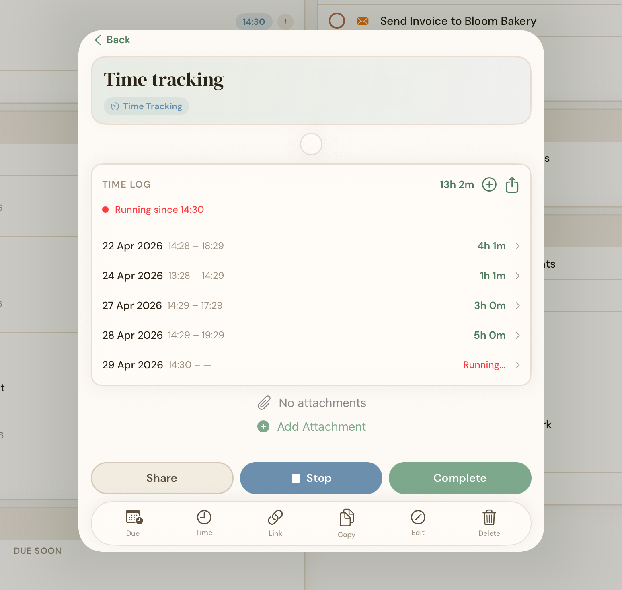
Every task in BetterKeeper has a built-in timer. Tap it when you start, tap it when you stop. BetterKeeper logs the session and keeps a running total per task and project. No exporting. No manual entry. No separate app.
Because BetterKeeper is native on Mac, iPhone, and iPad — and synced through iCloud — you can start a timer on your iPhone and see the logged time when you sit down at your Mac.
Time tracking built for the way Apple users work
-
One-tap timer on every task Start and stop tracking directly from the task detail view. No context switching, no extra apps, no forgetting to log time.
-
Time reports rolled up by project See total time logged per task and per project. Useful for client billing, estimating future work, or understanding where your day actually goes.
-
iPhone, iPad & Mac — same data everywhere Start a timer on your iPhone during a commute. See the logged time on your Mac. Everything syncs through your iCloud account automatically.
-
Time lives alongside tasks, notes & projects No separate time tracking module. Your logged hours are attached to the task they belong to — next to the deadline, the note, and the project context.
-
Private — stored in your iCloud, not on our servers Your time logs are in your iCloud account. BetterKeeper never sees them. No analytics sold, no data harvested, no company account required.