Notes that sync through iCloud — and connect to your tasks
Rich notes, attached to the work they belong to. Private by design.
BetterKeeper is an iCloud notes app where every note is connected to a task or project — not floating in a separate silo. Write on your iPhone, open it on your Mac. No company reads it. No server stores it. It lives in your iCloud, period.

Your notes and your tasks live in different apps — and that costs you time
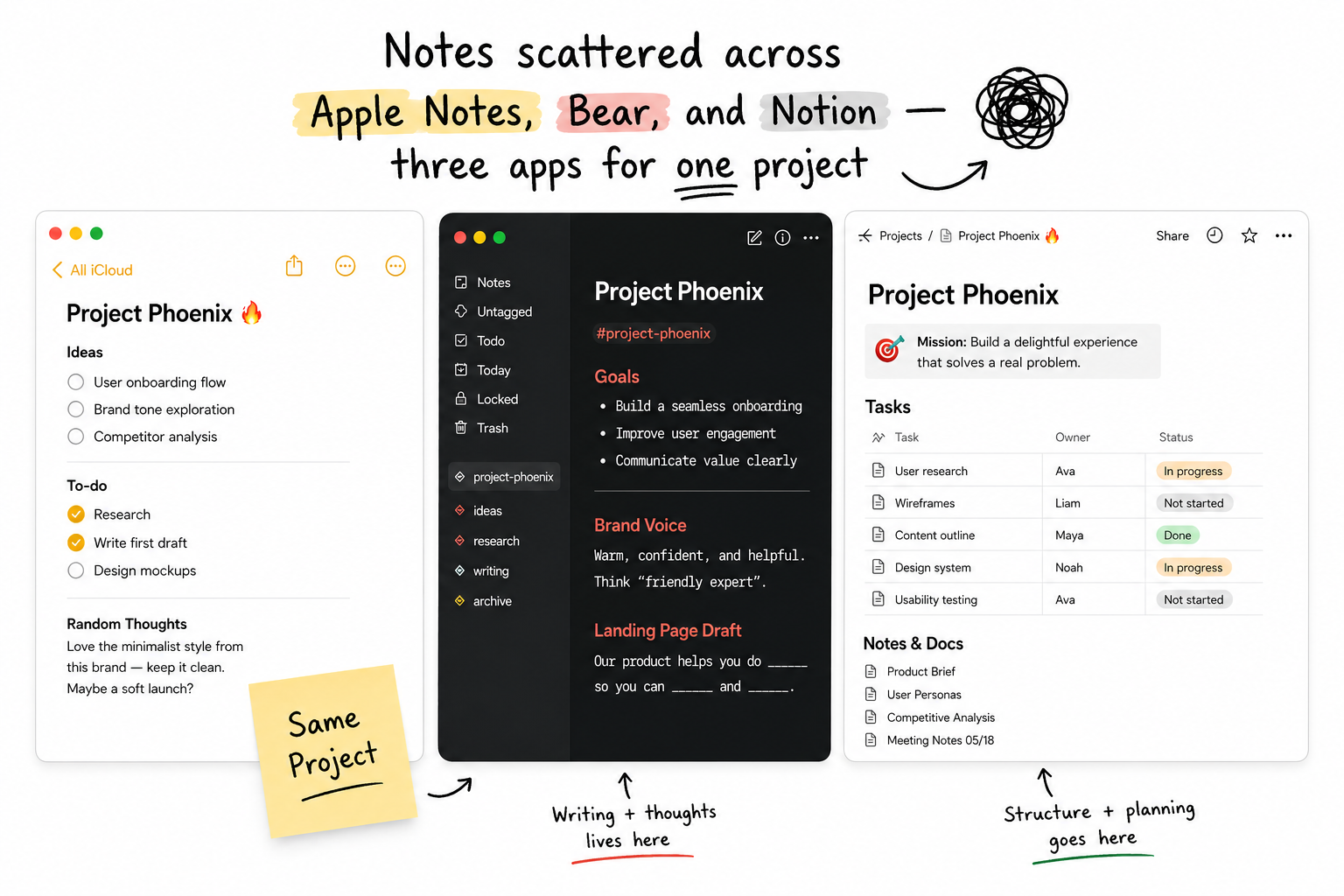
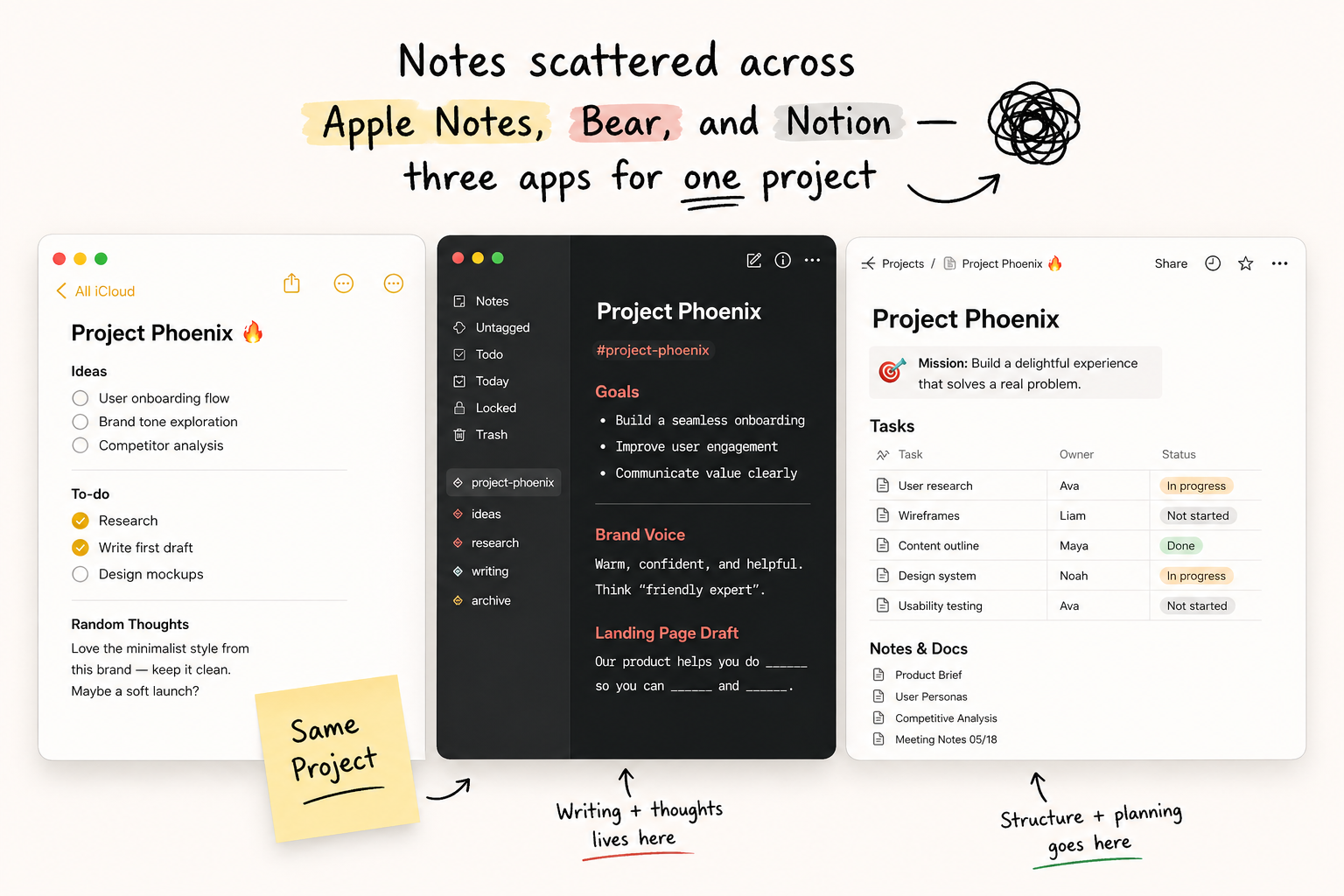
You write a meeting note in Bear or Apple Notes. The follow-up tasks go into a task manager. The project brief lives in Notion. Three apps, three contexts, zero connection. When you need to find the note attached to a task, you're searching across all of them.
Standalone notes apps also store your data on their servers. Most of them have to — it's how their sync works. If privacy matters to you, that's a problem.
Notes that belong to your work, not a separate drawer
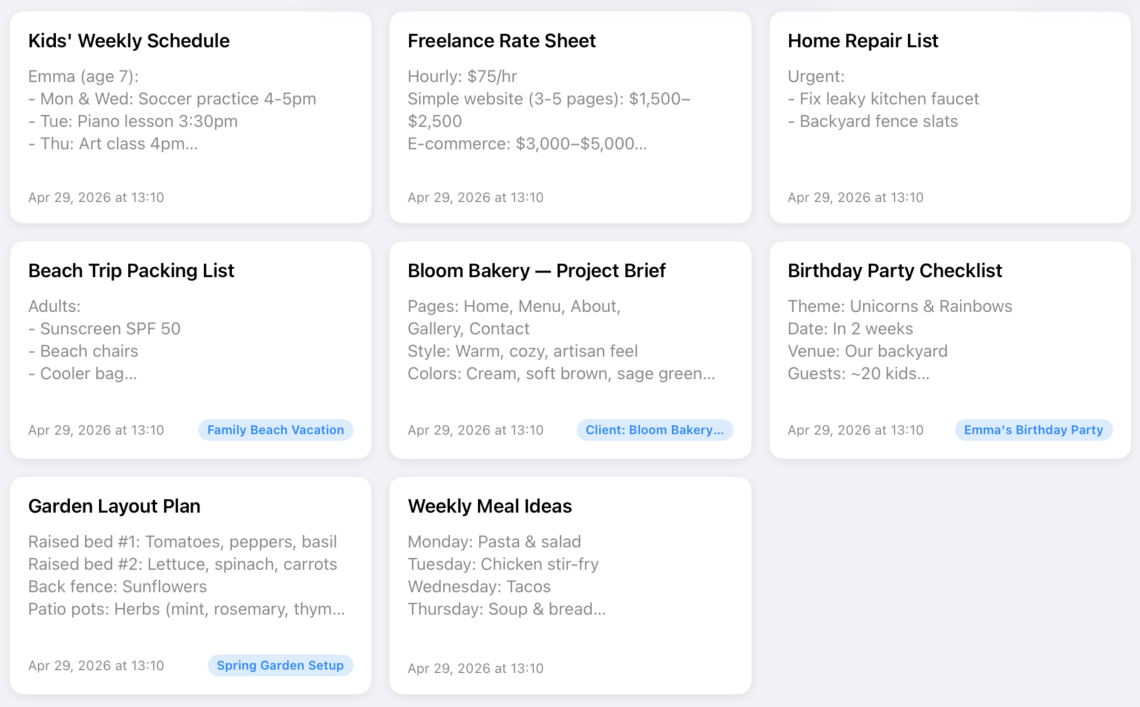
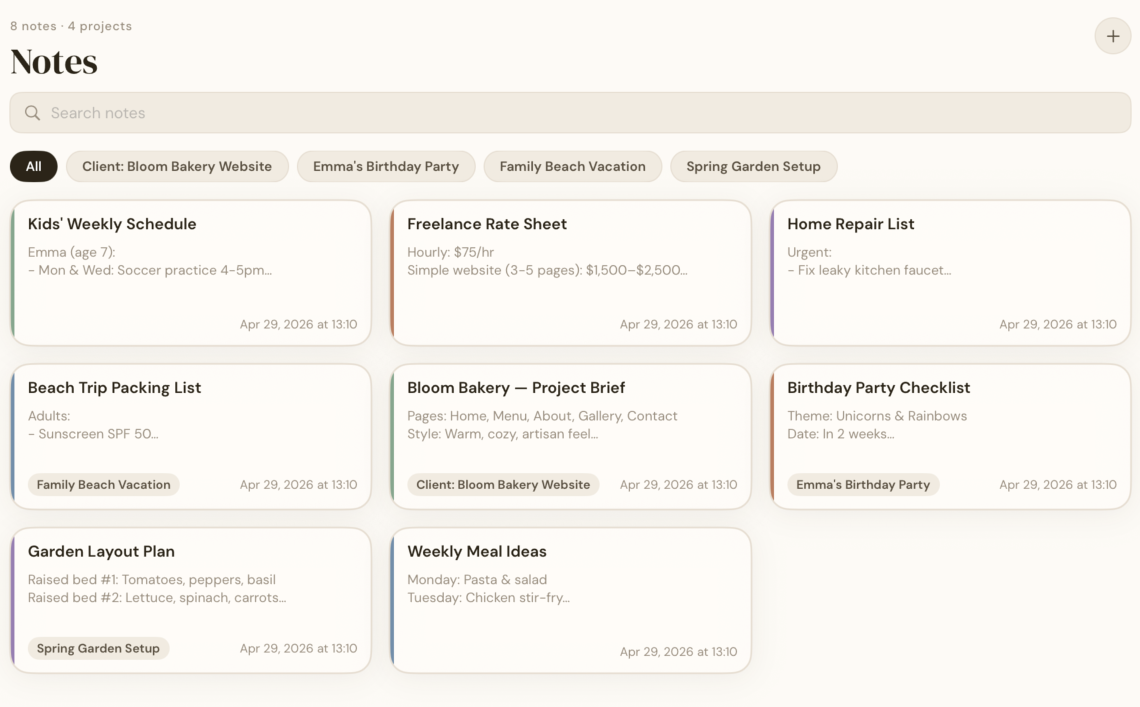
In BetterKeeper, notes are first-class. Attach a note to any task or project — meeting summaries, reference material, links, checklists. Everything is where you need it, when you need it.
Sync is handled entirely through your personal iCloud account. BetterKeeper has no backend server and never sees your data. Write privately, read anywhere — iPhone, iPad, or Mac.
Everything a private notes app should offer
-
Notes attached to every task and project Add a note to any task or project — meeting summaries, reference material, links, or context. Everything in one place, always where you need it.
-
Notes live inside tasks and projects Attach one or more notes to any task or project. When you open a project, its notes are right there — no searching, no switching apps.
-
iCloud sync — your data stays yours No BetterKeeper account. No company database. Your notes are stored in your personal iCloud account and synced end-to-end across all your Apple devices.
-
Note templates for repeated formats Save any note as a template — meeting agendas, weekly reviews, project briefs. Start new notes from a template in one tap.
-
Share notes via iCloud link Share a project — including all its notes — with another BetterKeeper user via an iCloud sharing link. They see your updates in real time.