The Apple task manager that does it all
Tasks, projects, notes, and time tracking — built native for Apple devices.
BetterKeeper is a task manager designed from the ground up for iPhone, iPad, and Mac. Not a web app. Not a cross-platform port. Every interaction — swipes, widgets, notifications — feels exactly like it belongs in your Apple ecosystem, because it does.

Most task managers weren't built for Apple — they were ported to it
Cross-platform apps have to work on Android, Windows, and the web. That means compromises everywhere — clunky gestures, no widgets, slow sync, and a UI that never quite fits iOS. You feel it every time you open them.
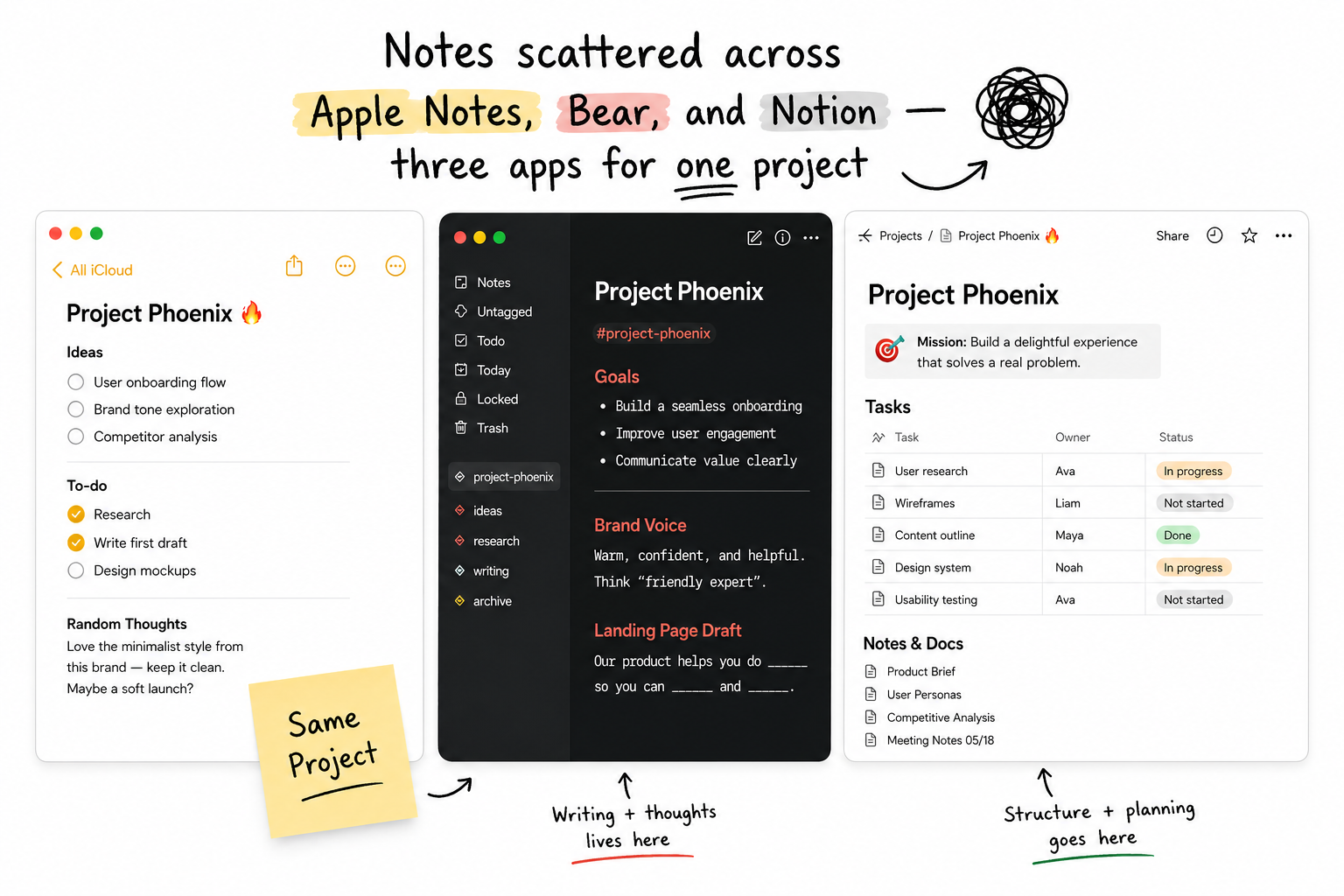
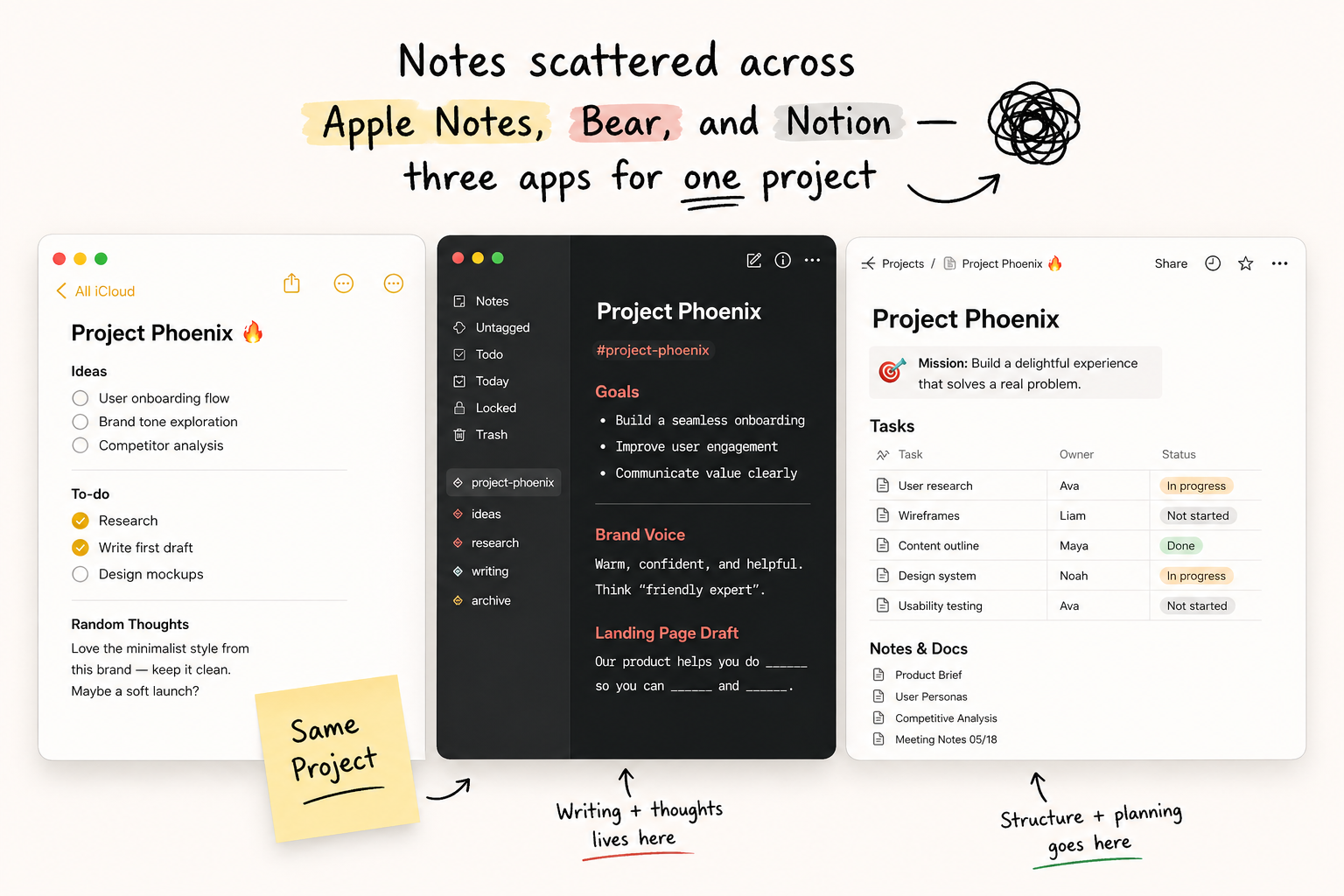
And even the good ones only solve part of the problem. Your task manager doesn't have notes. Your notes app doesn't have projects. Your time tracker is a completely separate subscription. You end up switching between four apps to manage one day.
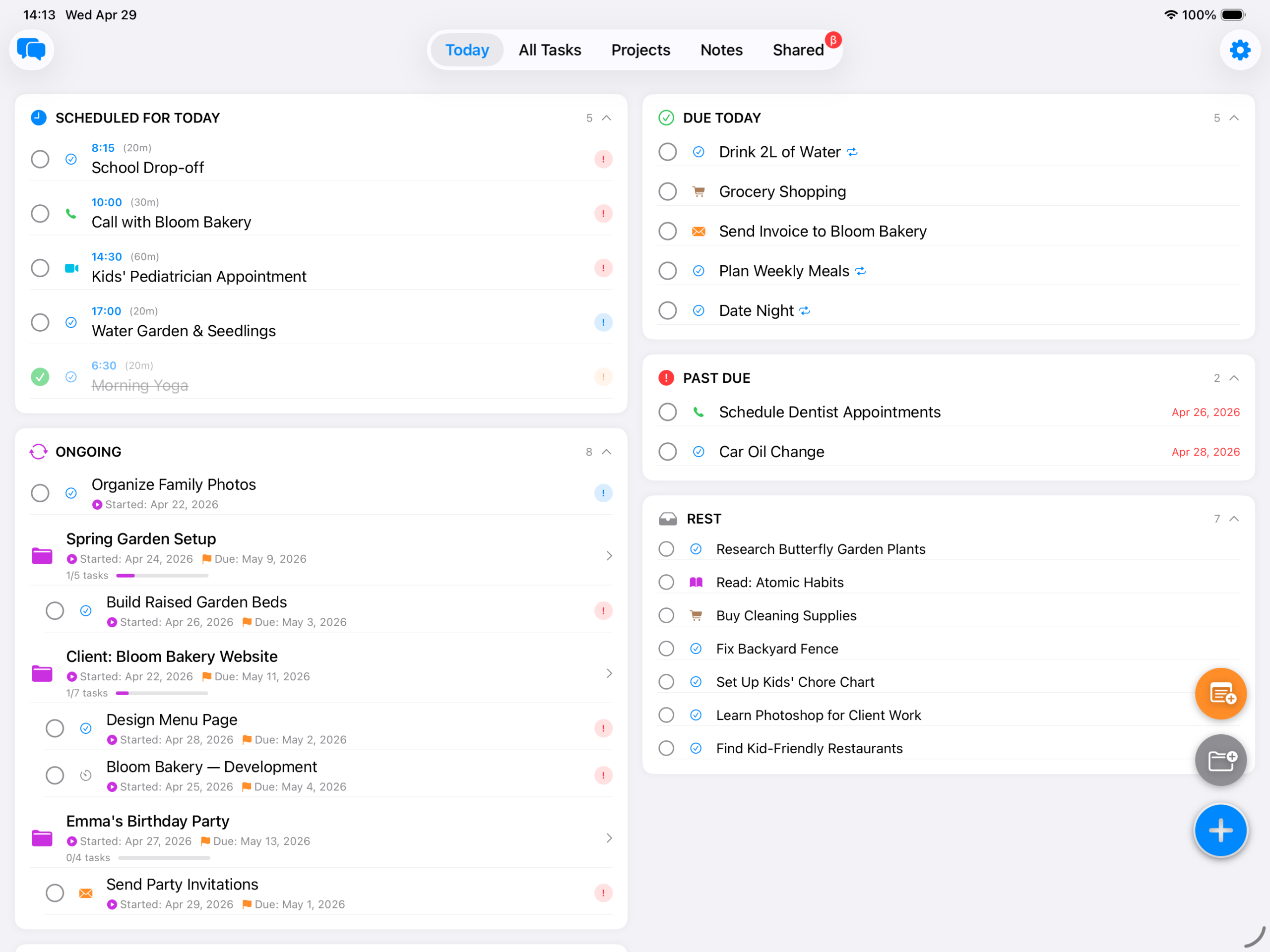
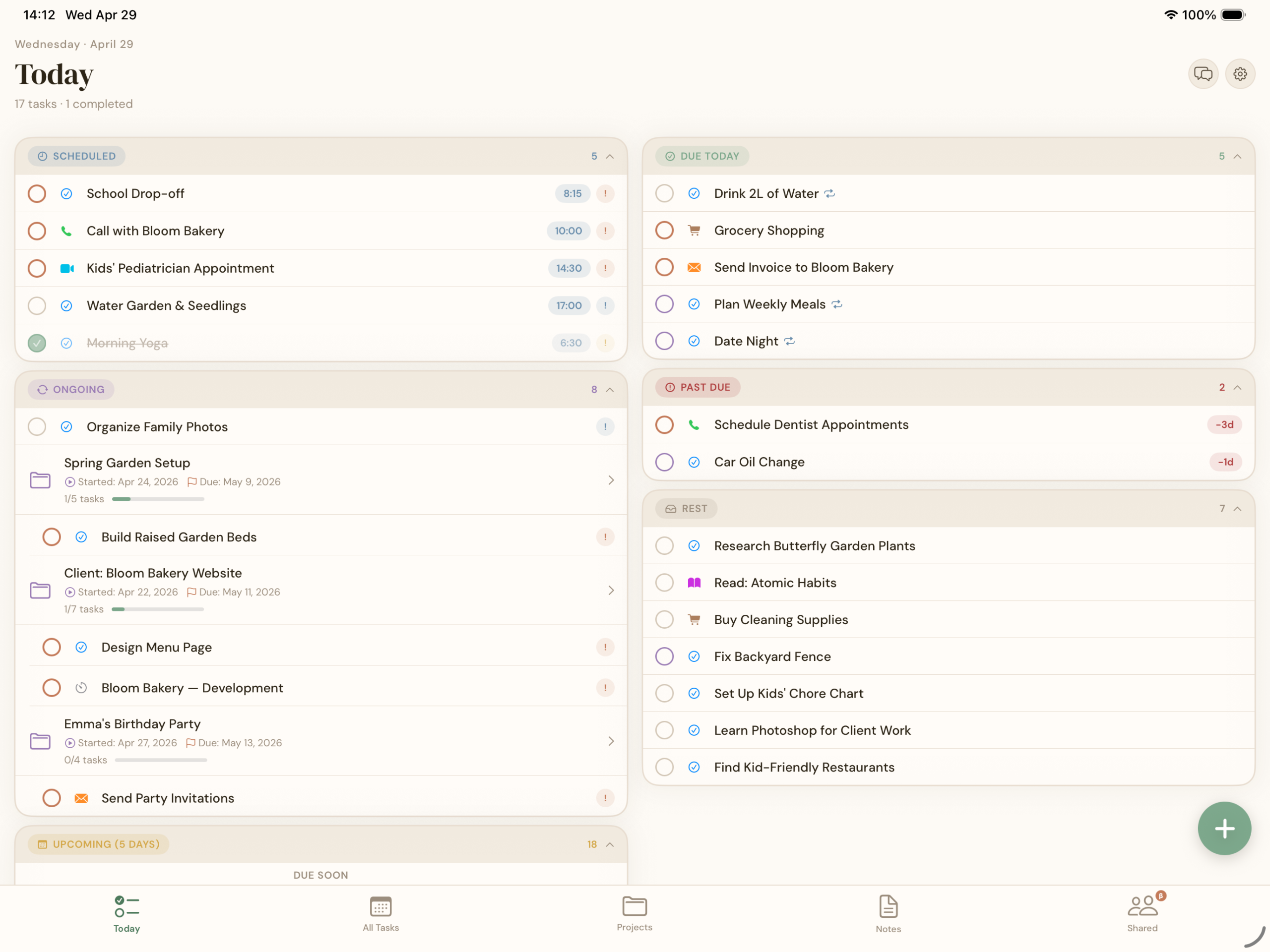
One task manager that feels native on every Apple device you own
BetterKeeper is built in SwiftUI and AppKit — the same frameworks Apple uses for its own apps. That means instant launch, fluid animations, proper keyboard shortcuts on Mac, and a widget that actually updates in real time.
Your data lives in your personal iCloud account. There are no BetterKeeper servers, no company database storing your tasks. Add something on your iPhone; it appears on your Mac before you sit down.
Everything a task manager for Apple should do
-
Deadlines, priorities & recurring tasks Set a due date, choose a priority level, and make it repeat — daily, weekly, monthly, or on a custom schedule. Overdue tasks surface at the top of your Today view automatically.
-
Projects to group tasks and notes together Create a project for any goal — work, personal, a trip, a launch. Tasks and notes live inside that project. Progress is tracked automatically as you check things off.
-
Smart reminders with notification actions When a reminder fires, you can mark it done, snooze for 1 hour, snooze to tomorrow, or pick a custom time — all without opening the app. Works on iPhone, iPad, and Mac.
-
Home screen & Lock Screen widgets See today's tasks without opening the app. Small, medium, and large widget sizes. Tap a task in the widget to mark it done instantly.
-
Built-in time tracking per task Start a timer on any task with one tap. BetterKeeper logs time automatically and rolls it up by project — no separate time tracking app needed.
-
Private by design — iCloud only, no company servers Your tasks never leave your Apple account. BetterKeeper has no backend, no login, and no way to access your data. Sync is handled entirely by iCloud.