Share task lists and projects through iCloud — no extra accounts needed
Real-time collaboration for iPhone, iPad, and Mac. Powered by your iCloud, not a third-party server.
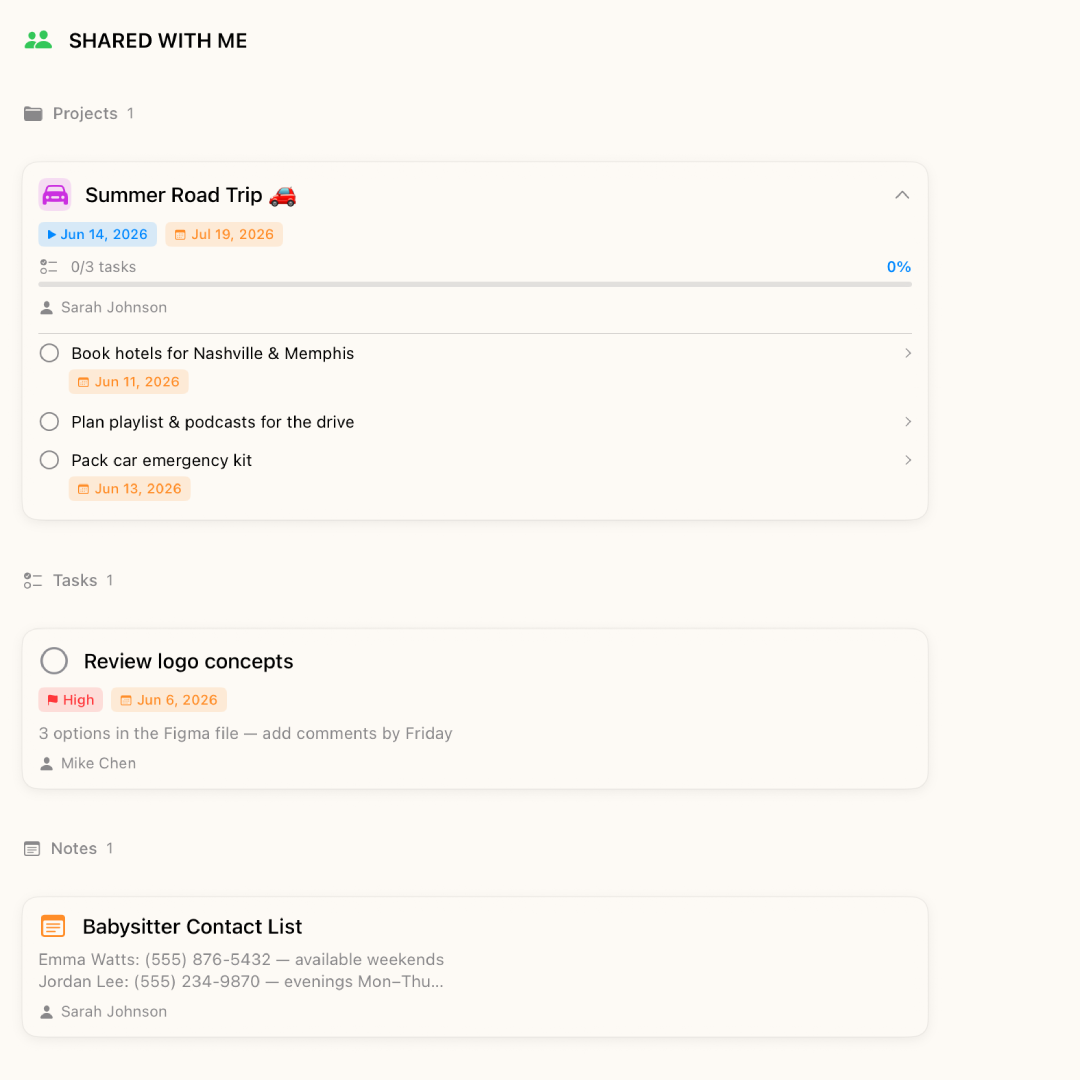
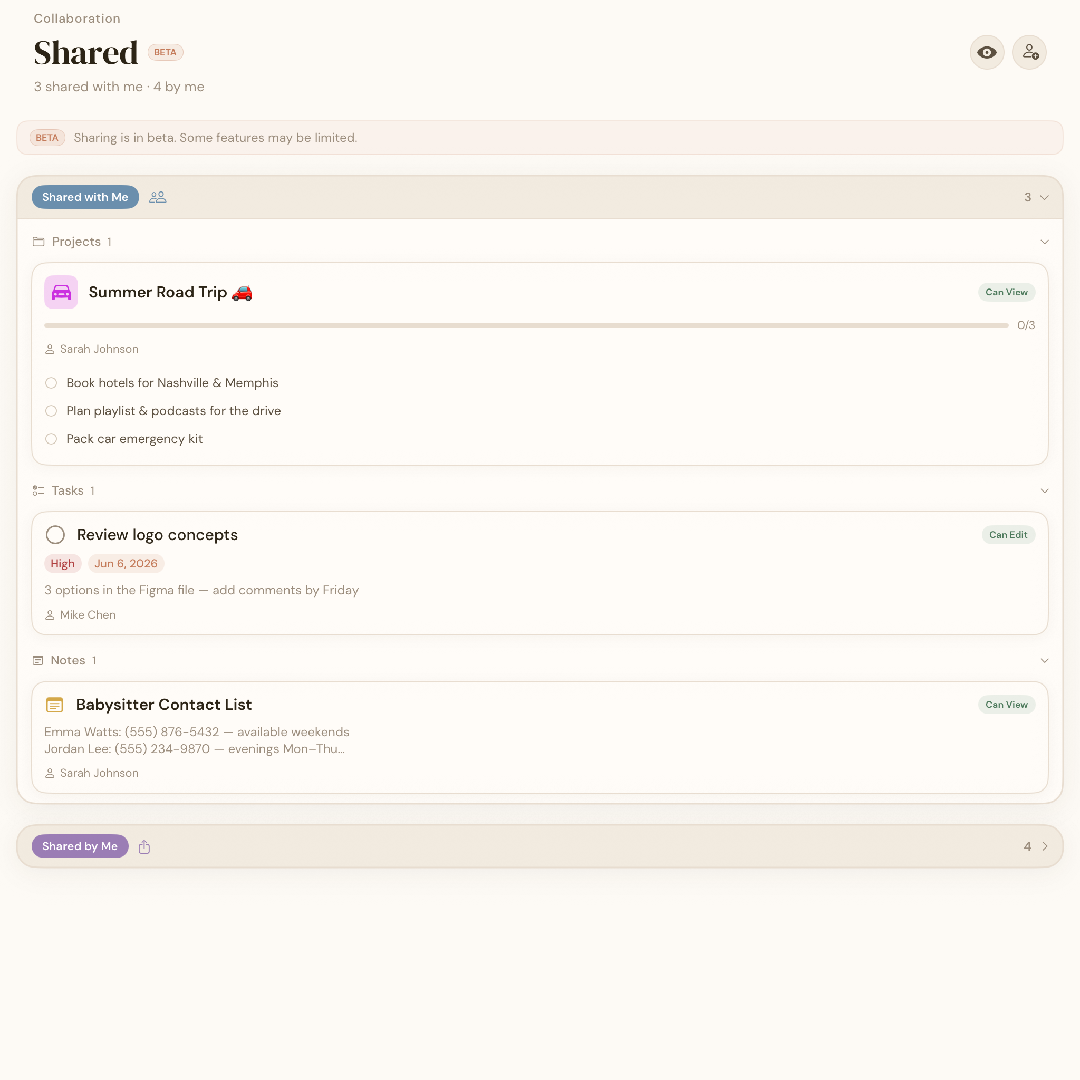
BetterKeeper lets you share any project with family members, teammates, or friends directly through iCloud. Everyone stays in sync in real time — tasks, notes, updates, and a built-in chat. No one needs to create a BetterKeeper account. They just need an iPhone.

Shared to-do lists shouldn't require everyone to sign up for something
Most shared task apps make everyone on the team create an account, accept an invite email, and download yet another app. For families and small teams, this creates friction before any work gets done.
And once you're in, your data lives on their servers — not yours. Every task you share, every note you attach, sits in a third-party database you don't control. That's the hidden cost of "free" collaboration.
iCloud sharing that just works — for people who already have an iPhone
BetterKeeper uses CloudKit — Apple's iCloud sharing framework — to sync shared projects between devices in real time. You share a project with someone's Apple ID. They accept, and the project appears in their BetterKeeper automatically.
No separate accounts, no external servers, no passwords to manage. The data stays in iCloud — under Apple's privacy terms — not on BetterKeeper's servers, because there aren't any.
Everything you need to collaborate without the overhead
-
Share any project via Apple ID Invite anyone with an iPhone or Mac using their Apple ID. No BetterKeeper account required on their end.
-
Real-time sync across all devices Updates appear on every member's iPhone, iPad, and Mac the moment they're made — no manual refresh needed.
-
Built-in project chat Every shared project has its own chat channel. Discuss tasks, share updates, and keep all project communication in one place — no Slack needed for small teams.
-
Shared notes and attachments Notes and file attachments added to a shared project are visible to all members. Meeting notes, briefs, and reference files stay attached to the work they belong to.
-
Your data stays in iCloud Shared project data lives in iCloud — under Apple's privacy framework. BetterKeeper has no backend server. Nothing passes through us.