Project management for iPhone that's actually built for how you work
Track progress, manage deadlines, and keep notes and tasks together — all in one native Apple app.
BetterKeeper brings real project management to iPhone and iPad — without the complexity of Jira or the setup cost of Notion. Create a project, add tasks, attach notes, set a deadline, and watch your completion percentage climb. It's everything a solo professional or small team needs, designed native for Apple devices.

Most project apps are either too simple or too much to set up
Apple Reminders groups tasks into lists — but has no deadlines per project, no progress tracking, and no place to attach a brief or meeting notes. You can see your tasks. You can't see how your projects are going.
The alternative is tools like Notion or Asana — powerful, but they require databases, templates, and an hour of setup before any work gets done. On iPhone they're slow, web-dependent, and don't feel native. There's a big gap between "basic list" and "enterprise tool" — and that's exactly where BetterKeeper lives.
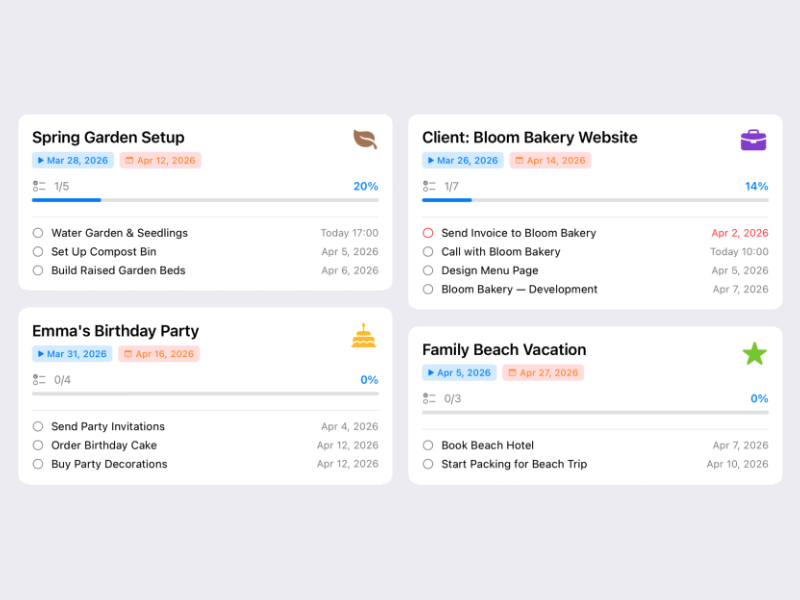
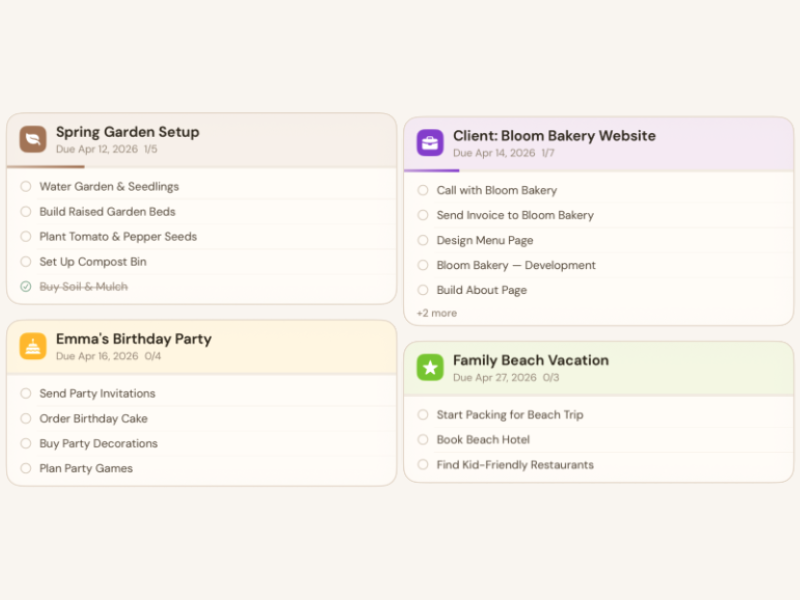
Projects that show you the full picture — tasks, progress, notes, and deadlines in one place
Each BetterKeeper project tracks completion percentage automatically as tasks are checked off. Set a project deadline, attach a rich-text brief, add collaborators via iCloud, and see all your projects on a colour-coded grid at a glance.
No configuration required. Open the app, create a project, and start adding tasks. The structure is already there — you just fill it with your work.
Everything a project manager on iPhone should have
-
Live completion percentage BetterKeeper calculates project progress automatically as tasks are completed. No manual updates, no spreadsheets — you see exactly how far along each project is.
-
Project deadlines and colour coding Set a deadline per project and assign a colour. Overdue projects are flagged automatically. Scan your project grid and know instantly what needs attention.
-
Rich-text notes attached to projects Each project can hold a full-formatted note — a brief, a spec, meeting minutes. Context lives inside the project, not in a separate notes app you have to switch to.
-
iCloud collaboration with built-in chat Share any project with teammates or clients via Apple ID. Everyone sees real-time updates, and a built-in project chat keeps communication in context.
-
Time tracking per project Every task inside a project has a built-in timer. Logged time rolls up to the project automatically — useful for billing, estimates, and understanding where your hours actually go.
-
Works on iPhone, iPad, and Mac All three apps are native — SwiftUI on iOS/iPadOS, AppKit on Mac. Your projects sync through iCloud the moment you make a change, on any device.