The task manager for freelancers who are tired of juggling four apps
Projects, time tracking, client notes, and shared progress — in one native Apple app, synced through your own iCloud.
As a freelancer, your day rarely fits in a single to-do list. You're managing several clients at once, billing by the hour, keeping notes on every project, and occasionally giving a client a peek at progress. BetterKeeper brings projects, time tracking, rich notes, and iCloud sharing into one app — so you can spend less time managing your tools and more time on billable work.

Freelancing means running a small business — with tools that don't talk to each other
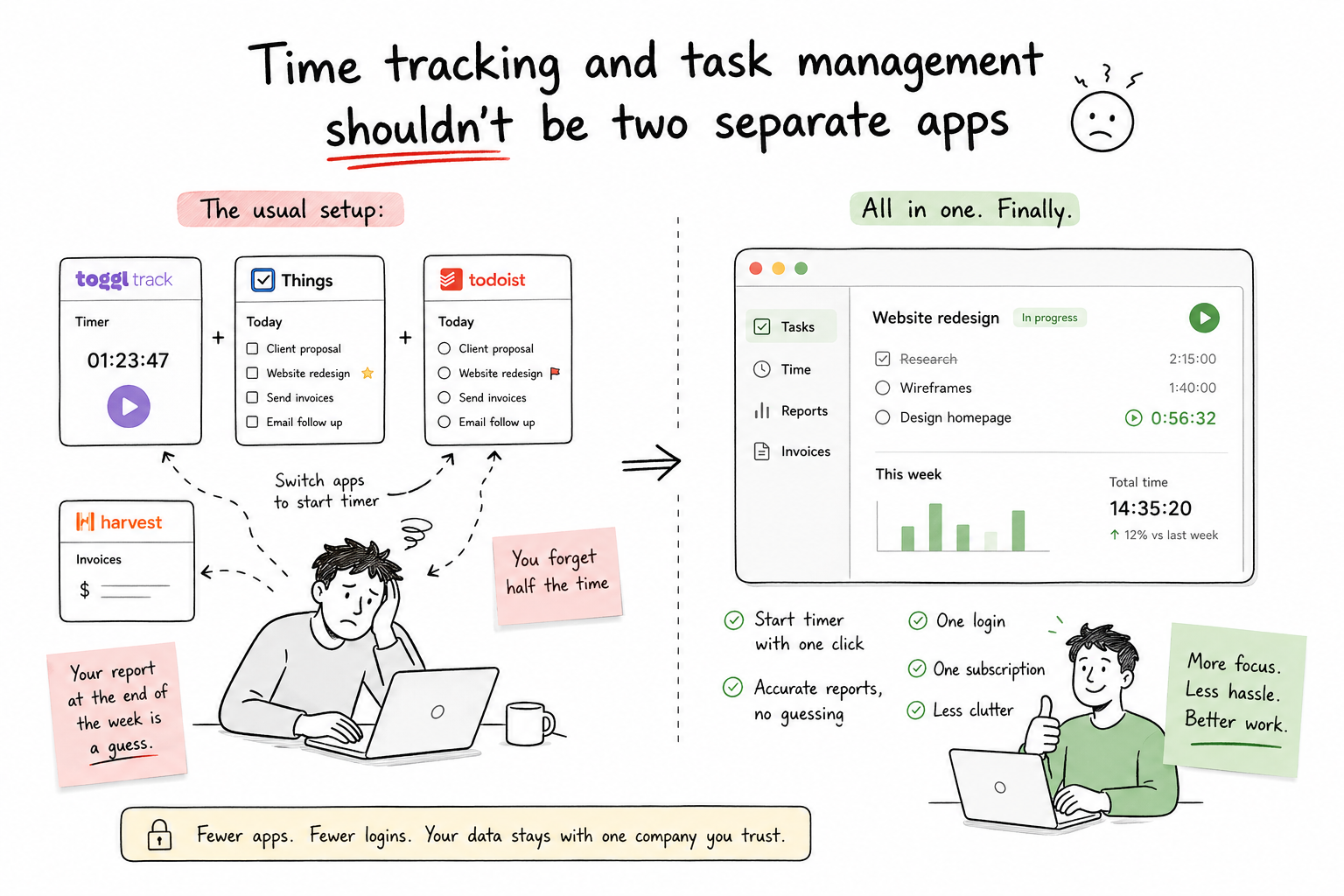
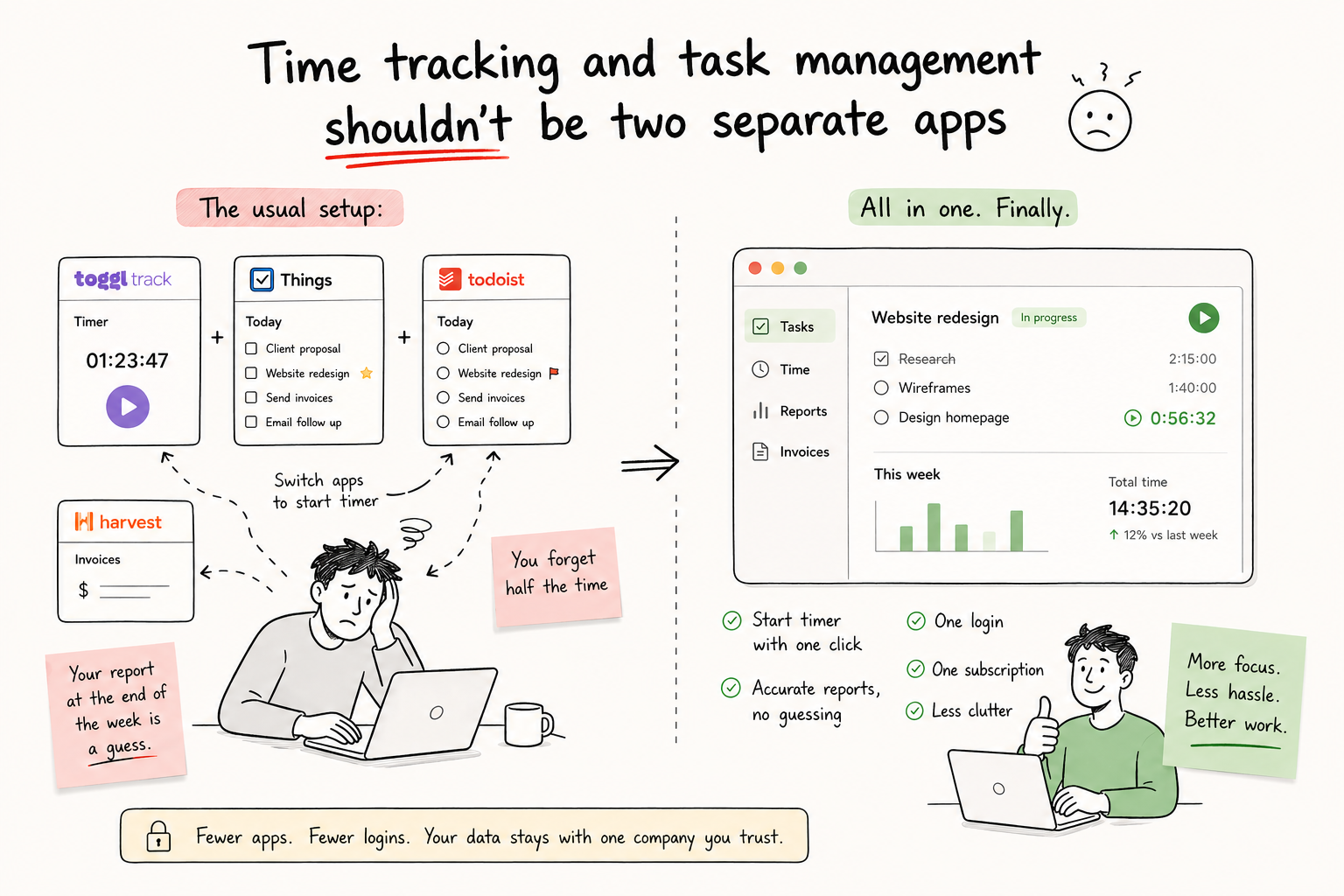
A typical freelance stack looks something like: a to-do app for tasks, a separate timer app for billable hours, a notes app for client briefs and meeting notes, and yet another tool — or a messy email thread — for sharing progress with a client. Each one works fine on its own, but switching between four apps to manage one project adds up to real time lost every day.
And at invoice time, you're often piecing together hours from a timer app, deliverables from a notes app, and status from memory. What should be a five-minute task becomes a small research project.
Projects, hours, and notes — together, the way freelance work actually happens
Each client gets a project with its own tasks, deadline, and progress percentage. Every task has a built-in timer — start it when you sit down to work, stop it when you're done, and the hours roll up to the project automatically. No separate timer app, no manual entry, no end-of-week reconstruction.
Rich-text notes live right on the project or task — meeting notes, scope details, login credentials, anything you'd otherwise keep in a separate app. And when a client wants visibility, share the project through iCloud: they see real-time progress and can chat with you in the built-in project channel, no extra accounts required.
Everything a freelance workflow needs — nothing it doesn't
-
Projects with progress & deadlines One project per client or engagement, with tasks, a deadline, and a progress percentage you can glance at before any check-in call.
-
Built-in time tracking per task Start and stop a timer on any task. Hours roll up to the project automatically, ready for invoicing — no Toggl, no spreadsheet.
-
Rich text notes on every project Scope docs, meeting notes, access details, revision feedback — formatted and attached right where the work is happening.
-
iCloud project sharing with clients Invite a client to view progress on their project and chat in a built-in channel — no client portal, no extra software for them to install.
-
Priorities & labels for multi-client days Colour-code by client or urgency so a day juggling three projects still has a clear "what's next" at a glance.
-
Recurring tasks for retainer work Weekly reports, monthly check-ins, recurring deliverables — set them up once and they reappear on schedule without rebuilding the task.